

Construction Accounting with QuickBooks®
QuickBooks Online Plus, QuickBooks Online Advanced
Ditch the paperwork and embrace efficiency! Track project costs, manage invoices & monitor cash flow with the best construction accounting software.
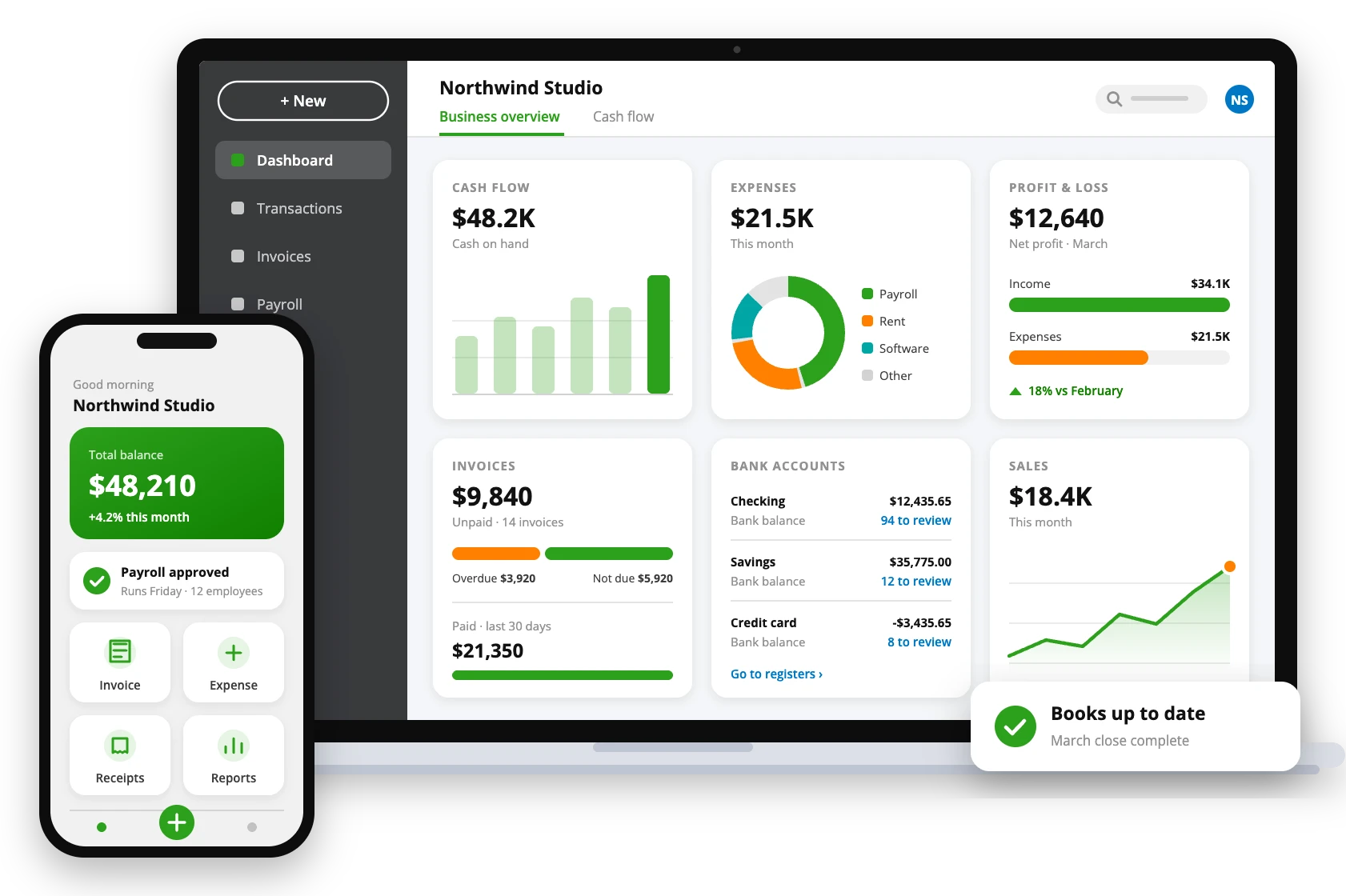
Laying the Financial Foundation with QuickBooks for Construction
Managing a construction business comes with its challenges—tracking project costs, handling invoices, managing payroll, and keeping an eye on cash flow can be overwhelming. That’s why you need the right foundation for financial management: QuickBooks. With features like job costing, automated invoicing, expense tracking, and real-time reporting, QuickBooks ensures your projects stay on budget and your business runs smoothly. Its ability to organize financial operations makes QuickBooks the ultimate accounting solution for construction businesses, helping you build success with confidence.
The Power of QuickBooks Construction Software
Job Costing & Budgeting
Keep track of all project-related costs in real-time, including labor, materials, and overhead expenses. With job costing, you can monitor your budget closely.
Automated Invoicing & Billing
QuickBooks allows you to automate recurring invoices, set payment reminders, and accept online payments, ensuring faster collections and improved cash flow.
Real-Time Financial Reporting
Gain instant access to critical financial data, including profit and loss statements, balance sheets, and job profitability summaries.
Payroll Management
With QuickBooks for Construction, process payroll for your employees, track work hours, and manage subcontractor payments with accurate tax calculations.
Inventory & Materials Tracking
With automated inventory monitoring, manage construction materials and supplies efficiently by tracking inventory levels in real-time.
Integration with Construction Apps
QuickBooks integrates with industry-specific tools such as Procore and Contractor Foreman. This ensures smooth data synchronization and improves workflow.
Cloud-Based Accessibility
Whether you’re on-site, at the office, or working remotely, QuickBooks Online allows you to access financial data anytime, from any device.
Tax & Compliance Management
Stay ahead of tax obligations with automatic tax calculations, built-in sales tax tracking, and detailed financial reports.
Progress Invoicing
Instead of billing clients all at once, QuickBooks enables you to create phased invoices based on project completion milestones.
Ready to bring your construction business into the digital age with QuickBooks Online?
Whether you’re just getting started or need help migrating, QuickBooks offers tools designed to make accounting easier for contractors—so you can focus on building projects, not balancing books.
Why Contractors & Builders Trust QuickBooks Online?
Built for Construction MSMEs
QuickBooks Online is specifically designed for small and mid-sized construction firms, offering a friendly UI that makes financial management easy. A user with minimal accounting experience can efficiently handle their finances.
Time-Saving & Highly Efficient
Construction projects demand attention to detailed and efficient operations. QuickBooks automates bookkeeping, invoicing, and payroll, allowing business owners to focus on project execution, client relationships, and business growth.
Adaptable to Construction Needs
Whether you’re managing small residential projects, large commercial builds, or subcontracting work, QB Online offers scalable solutions tailored to your construction business. It grows alongside your company’s evolving needs.
Correct Financial Organization
QuickBooks Online consolidates all financial data in one place, helping construction business owners maintain better control over their operations while reducing administrative stress.
Simplified Tax & Compliance Management
Construction companies must stay compliant with tax regulations, including sales tax, payroll tax, and contractor payments. QuickBooks ensures accurate tracking and reporting, helping businesses avoid tax errors and potential audits.
Scalable Growth & Profitability Tracking
With powerful financial tracking and forecasting tools, QuickBooks helps construction business owners monitor job profitability, manage budgets effectively, and plan for future expansion—all while maintaining financial stability.
Compare QuickBooks® Online Plans for Construction
| Features | QuickBooks Online Plus | QuickBooks Online Advanced |
|---|---|---|
| Expert tax assistance | Yes | Yes |
| Income and expenses | Yes | Yes |
| 3.00% APY banking | Yes | Yes |
| Automated bookkeeping | Yes | Yes |
| Invoices & payments | Yes | Yes |
| Tax deductions | Yes | Yes |
| Reports | Detailed | Advanced |
| Receipt capture | Yes | Yes |
| Mileage tracking | Yes | Yes |
| Cash flow | Yes | Yes |
| Sales and sales tax | Yes | Yes |
| Estimates | Yes | Yes |
| Contractors | Yes | Yes |
| Sales channels | All | All |
| Bill payment management | Yes | Yes |
| Multiple currencies | Yes | Yes |
| Users included | 5 | 25 |
| Time entry | Yes | Yes |
| Inventory tracking | Yes | Yes |
| Project profitability | Yes | Yes |
| Financial planning | Yes | Yes |
| Multi-company management | No | Yes |
| Automatic fixed asset tracking | No | Yes |
| Data sync with Excel | No | Yes |
| Batch invoices and expenses | No | Yes |
| Custom access controls | No | Yes |
| Workflow automation | No | Yes |
| Data restoration | No | Yes |
| 24/7 support & training | No | Yes |
| Revenue recognition features | No | Yes |
Plans, features and prices are set by Intuit and can change, so please check Intuit’s website for current details. QAsolved does not sell software; we help you choose the right plan and set it up.
How We Can Support You?
Easy Setup and Integration
We help you set up QuickBooks for construction with ease, integrating it seamlessly with your existing project management tools, bank accounts, and payment platforms. This ensures that your financial data flows smoothly from day one, so you can focus on managing your projects.
Customized Financial Reports
Our team customizes QuickBooks to generate financial reports that fit the specific needs of your construction business. From tracking job costs to monitoring cash flow and project profitability, you’ll have real-time insights to make data-driven decisions.
Job Costing and Budget Control
QuickBooks allows you to track project costs accurately, manage budgets, and control expenses. Whether it’s labor, materials, or subcontractor payments, you’ll have full visibility over every cost, helping you keep projects on budget and maximize profitability.
Training and Ongoing Support
We provide comprehensive training and ongoing support for QuickBooks, ensuring you’re equipped to handle payroll, tax reporting, job costing, and more. Our expert team is always available to help you optimize your financial processes.
Effortless Tax Management
QuickBooks ensures that your construction business stays compliant with tax regulations. Whether it’s sales tax, payroll taxes, or contractor payments, QuickBooks helps track and report everything accurately, making tax filing stress-free.
Regular Updates and Optimization
As your construction business grows, we keep your QuickBooks system up to date. We continuously optimize your setup to ensure maximum efficiency, helping you streamline accounting and financial management as your operations expand.
How We Work?
1
In-Depth Assessment
We thoroughly analyze your construction business’s financial processes and project workflows to identify how QuickBooks can streamline operations, reduce costs, and enhance profitability.
2
Strategic Planning
Based on the assessment, we develop a customized plan for your construction businesses. This includes integrating project management tools, job costing, and payroll systems.
3
Real-Time Monitoring
As your construction business grows, so do your accounting needs. We provide ongoing QuickBooks monitoring, regular check-ins, and adjustments to keep your financial management effective and aligned.
4
Training and Implementation
Once QB is fully set up, we will provide comprehensive training for your team. Whether it’s managing job costs, running reports, or tracking expenses, we ensure your team is equipped with everything.
Why We’re the Best Fit for Your Business Needs?
Customized Solutions
Every construction business is unique, and we recognize that. Whether it’s job costing, managing subcontractor payments, or tracking expenses, we customize our QuickBooks solutions to fit your specific needs and project requirements.
Specialized Industry Expertise
With years of experience in construction financial management, our team has the knowledge and skills to handle your business’s finances effectively. We stay updated on the latest tools, trends, and industry best practices.
Round-the-Clock Support
We provide timely and reliable support, ensuring your QuickBooks for Construction is running smoothly. Whether it’s tracking costs, managing payroll, or generating reports, our Certified QuickBooks ProAdvisors are available to assist you during business hours.
Commitment to Excellence
At QAsolved, we are committed to delivering exceptional service and exceeding your expectations. Whether you’re working on a single project or managing multiple sites, we are always here to ensure your financial processes are flawless.
Sync your Construction Accounting Software with Apps





FAQs
Which QuickBooks Version and Plan is Ideal for Construction Businesses?
QuickBooks Online is the best construction accounting software that offers specialized features tailored to the construction industry, including job costing, project tracking, and job profitability reports. For Construction businesses, QuickBooks Online Plus and Advanced are the best choices in terms of plans.
How to Categorize Construction Expenses in QuickBooks?
Categorizing construction expenses in QuickBooks is crucial for accurate job costing and financial tracking. Here’s how you can do it:
- Set Up Specific Expense Accounts
- Use Job Costing
- Track Subcontractor Costs
- Use Classes or Locations for Different Projects
- Categorize Overhead Costs
- Record Equipment Costs
What Types of Software Can Integrate with QuickBooks for Construction?
QuickBooks for construction integrates easily with a variety of specialized software designed to streamline various aspects of construction management. Here are some different types of software that can integrate with QuickBooks for construction businesses:
- Project Management Software
- Job Costing and Estimating Software
- Time Tracking and Payroll Software
- Construction Estimating Software
- Inventory Management Software
How to Set Up Payroll for a Construction Company in QuickBooks?
Setting up payroll for a construction company in QuickBooks involves a few key steps to ensure compliance, accuracy, and efficiency. Click the link for a detailed solution.
How can QuickBooks help you with job costing?
QuickBooks helps with job costing by allowing you to track and assign expenses such as labor, materials, and subcontractor costs to specific jobs or projects. It provides a clear overview of costs associated with each project and enables you to monitor profitability in real time. The software integrates payroll and time tracking tools to allocate labor costs, tracks material usage and expenses, and organizes subcontractor costs by job.
QuickBooks Resources: Tips, Tricks, Guides & Tutorials
-

QuickBooks® Online Reconciliation: Fix Beginning & Ending Balance Issues
Read More: QuickBooks® Online Reconciliation: Fix Beginning & Ending Balance IssuesImagine reaching the end of the month and finding that your bank statement balance doesn’t match the one in QuickBooks Online. A payment may be…
-

Transition from Classic to Modern View Reports in QuickBooks® Online
Read More: Transition from Classic to Modern View Reports in QuickBooks® OnlineQuickBooks Modern view reports is now becoming the standard reporting experience in QuickBooks Online. This brings a major change to how businesses access, customize, and…
-

How to Integrate ClickUp with QuickBooks® Online?
Read More: How to Integrate ClickUp with QuickBooks® Online?Managing projects and handling finances are two of the biggest responsibilities for any business. On one side, teams rely on ClickUp to organize tasks, manage…