

QuickBooks® Time Setup and Support for Your Team
QuickBooks Time Premium, QuickBooks Time Elite
Turn Every Minute into Measurable Productivity with QuickBooks Time.
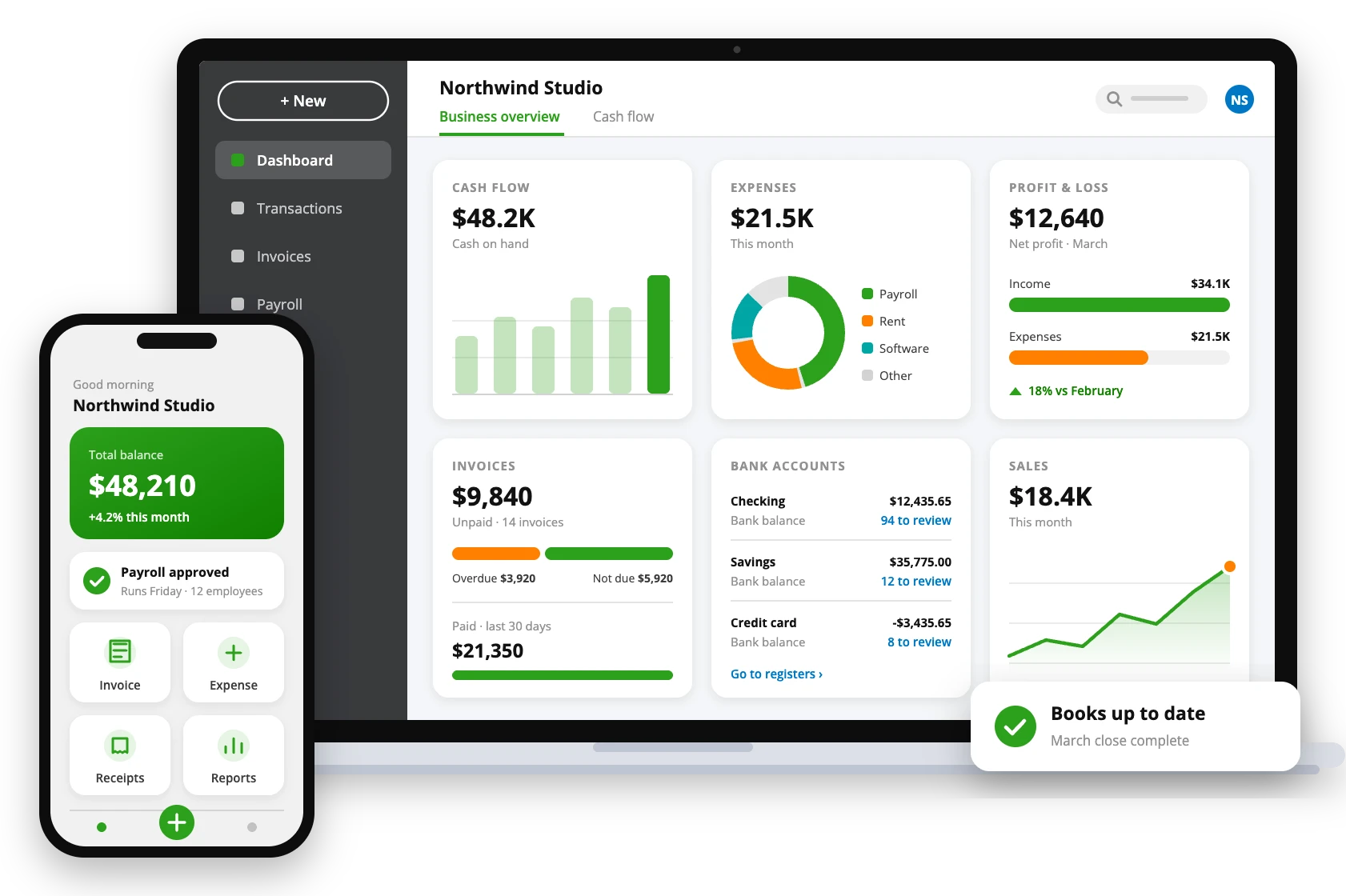
Use QuickBooks® Time to Elevate Productivity and Compliance
QuickBooks® Time, from Intuit, is designed to simplify how businesses track, manage, and report employee hours efficiently. With real-time tracking, automated scheduling, and integration with payroll, it ensures complete accuracy, transparency, and efficiency across your operations. Whether your team works remotely, on-site, or in hybrid mode, QuickBooks Time helps you stay compliant with labor laws while boosting overall productivity and accountability. QAsolved helps you set it up and connect it to payroll, so you can eliminate manual entry errors and gain full visibility into workforce performance.
Key Capabilities That Make QuickBooks Time Ideal for Businesses
Subtle Timesheets
QuickBooks Time allows you to manage multiple timesheets with ease. Review and approve employee hours whenever you’re ready, ensuring time records, improved accountability, and complete workforce management.
Time Kiosk
With the QuickBooks Time Kiosk feature, your employees can clock in and out securely from on-site devices. It ensures accurate attendance tracking by eliminating proxies to maintain data authenticity.
Mobile Time Tracking
Track, submit, and approve employee hours from anywhere using the QuickBooks Workforce mobile app. QB Time makes remote and field team management easier with real-time syncing and effortless communication.
Customizable Reports
QuickBooks Time helps you create detailed, tailored reports to analyze labor costs, payroll trends, and project efficiency. Use these insights to forecast expenses and enhance overall business profitability.
Smooth Integration
You can also integrate QuickBooks Time with payroll and finance-related software. So, sync employee data in real time to reduce manual entry, ensure accurate payroll processing, and save productive hours.
Smart Geofencing
QuickBooks Time’s geofencing feature uses GPS technology to detect employee locations. It automatically sends reminders to clock in or out, ensuring accurate job-site tracking and accountability across your workforce.
Advanced Scheduling
Plan, create, and share work schedules easily with QuickBooks Time. Assign shifts or specific jobs, edit in real time, and instantly notify employees, keeping everyone updated and aligned with team goals.
Set Multiple Alerts
Stay on top of workforce activities by setting custom alerts for timesheet approvals, overtime, and schedule changes. QuickBooks Time ensures you never miss important updates or compliance deadlines.
Payroll & Invoicing
Save hours on payroll preparation and billing by syncing QuickBooks Time data directly with your accounting system. This feature helps eliminate errors, streamline payments, and maintain financial accuracy.
Project Estimates and Comparison
Create accurate project estimates and compare them with actual work hours using QuickBooks Time. Identify gaps, control labor costs, and improve forecasting for better project management outcomes.
Project Activity Feed
The QuickBooks Time project activity feed keeps teams connected with live updates. Track job progress, review changes instantly, and improve collaboration across departments for smoother project execution.
Product Support from Intuit
QuickBooks Time plans include product support from Intuit for the software itself. For setup, payroll connections and day-to-day questions, the QAsolved team is here to help too.
What Makes QuickBooks Time the Right Choice?
One Free Admin
QuickBooks Time gives your first admin free access, usually the account owner or business manager, so you can easily manage settings, approvals, and reports without any extra cost.
Simplified Scheduling
Create and share employee schedules in just a few clicks with QuickBooks Time. Easily assign shifts, manage changes, and keep your entire team on the same page effortlessly.
Know Who’s Working
Stay informed in real time with QuickBooks Time. See who’s on the clock, what tasks they’re handling, and which job sites they’re working from for better visibility and coordination.
Track Every Second Worked
Increase productivity and billable hours by up to 10% with QuickBooks Time. Monitor team progress, manage project timelines, and make informed adjustments to meet goals efficiently.
Save Time on Payroll
Save up to two hours on every payroll run and cut payroll expenses by up to 4% by connecting your payroll system directly with QuickBooks Time for seamless processing.
Compare QuickBooks® Time Plans
| Features | Premium | Elite |
|---|---|---|
| Mobile app, timesheets and time kiosk | Yes | Yes |
| Scheduling, time off and alerts | Yes | Yes |
| Custom reports and who’s working | Yes | Yes |
| Payroll and invoicing sync | Yes | Yes |
| Timesheet signatures | No | Yes |
| Geofencing and mileage tracking | No | Yes |
| Project tracking, activity feed and estimates vs. actuals | No | Yes |
| Also available bundled with QuickBooks® Payroll | Payroll Premium | Payroll Elite |
Plans, features and prices are set by Intuit and can change, so please check Intuit’s website for current details. QAsolved does not sell software; we help you choose the right plan and set it up.
System Requirements for Optimal QuickBooks Time Performance
Operating System Compatibility
Works on any operating system that supports modern browsers like Chrome, Firefox, Edge, or Safari.
Time Kiosk Accessibility
Time Kiosk works on tablets or on computers with internet access.
Storage Requirements
Needs around 200 MB of free storage for installation and updates.
Android and iOS Compatibility
Android app supports version 8.0 (Oreo) or later. iOS app supports version 15.0 or later.
Geofencing and GPS Tracking
Geofencing and GPS tracking require location services enabled.
Additional Value You Get with QAsolved
Client-Centric Approach
Our clients are our top priority. We work closely with you to comprehend your business goals and provide solutions that align with your objectives.
Tailored Solutions
We customize our services to meet the unique needs of your business. Whether you’re a startup or a large enterprise, we provide solutions that fit your business requirements.
Expertise and Experience
We have extensive expertise and experience in QuickBooks. We stay updated with the latest industry trends and regulations to provide accurate and compliant services.
Responsive Support
Our dedicated support team is here to address your queries and concerns promptly. We provide ongoing support to ensure smooth business operations.
Industry-Ready Time Tracking for Modern Workforces
Freelancers and Solopreneurs
QuickBooks Time help independent professionals track every billable hour, manage projects efficiently, and simplify invoicing. Stay organized and ensure you get paid accurately for your time and effort.
Small and Budding Businesses
For startups and growing companies, QuickBooks Time offers simple yet powerful time tracking and scheduling tools that improve team productivity, streamline payroll, and support smarter business growth.
Construction
Track on-site worker hours, project progress, and equipment use with QuickBooks Time. Geofencing and mobile access ensure accurate job-site reporting and better cost management for construction teams.
Government Organization
QuickBooks Time makes workforce tracking transparent and compliant for government agencies. Monitor attendance, manage shifts, and generate accurate reports for improved accountability and resource allocation.
Non-Profit Organizations
Empower your non-profit with QuickBooks Time Tracking for staff and volunteers. Improve transparency, simplify reporting, and manage projects more efficiently to make every hour count toward your mission.
Professional Services
Boost accuracy and profitability when you use QuickBooks® Time for your consulting or service-based business. Track billable hours, manage projects seamlessly, and ensure clients are billed with complete precision.
Frequently Asked Questions
Is QuickBooks Time available for Desktop?
Yes, QuickBooks Time works seamlessly with QuickBooks Desktop. You can easily integrate it to sync employee hours, streamline payroll, and simplify invoicing. An active QuickBooks Desktop, Online, or Payroll account is required to enable this integration.
Can I use QuickBooks Time without Payroll?
Yes, you can use QuickBooks Time as a standalone time tracking software without Payroll. It allows you to track employee hours, manage projects, and create invoices efficiently. You can also integrate it with other payroll or accounting systems whenever needed.
Is QuickBooks Time the same as TSheets?
Yes, QuickBooks Time is simply the new name for TSheets. Intuit rebranded TSheets to QuickBooks Time to align it with the QuickBooks product family. The software still offers the same powerful time tracking features, including scheduling, GPS tracking, and payroll integration, but now provides a more seamless experience for QuickBooks users.
Is QuickBooks Time included with QuickBooks Online?
Yes, QuickBooks Time is available at no extra cost when you subscribe to QuickBooks Online Payroll Premium or Elite. It seamlessly integrates with your account to simplify time tracking and payroll management.
What is the cost of QuickBooks Time?
QuickBooks Time offers two plans, Premium and Elite. Prices are set by Intuit and change from time to time, so please check Intuit’s website for current pricing. We can help you choose the right plan.