Updated
9 min read



QuickBooks Payroll is one of the most prominent features that allows businesses to manage the entire payroll processes and ensure tax compliance. To provide a robust user experience, the team behind the software works really hard. Industry experts also believe that QuickBooks is packed with a plethora of codes and algorithms, which makes it prone to a wide array of technical glitches or errors. One such error is QuickBooks error code 30159. QuickBooks error 30159 is a payroll-related error that users come across while upgrading payroll. This can cause system and software crashes, significantly hampering the entire workflow.
While using the software, users may see a pop-up stating, “Error 30159: QuickBooks has encountered a problem and needs to close. We are sorry for the inconvenience.”

In short, QuickBooks error 30159 is a major issue that can restrict you from using payroll and other prominent features. As a smart user, you should be aware of signs and causes that initiate such disruptions. In this blog, we are going to help you all with that. Here, we will help you understand the potential reasons behind and early signs to detect QuickBooks error 30159. On top of that, we will also share nine solutions to troubleshoot it once and for all.
Error 30159 in QuickBooks appears due to a variety of reasons, causing significant disruptions. Here are the five most influential factors that lead a user to face errors like 30159.
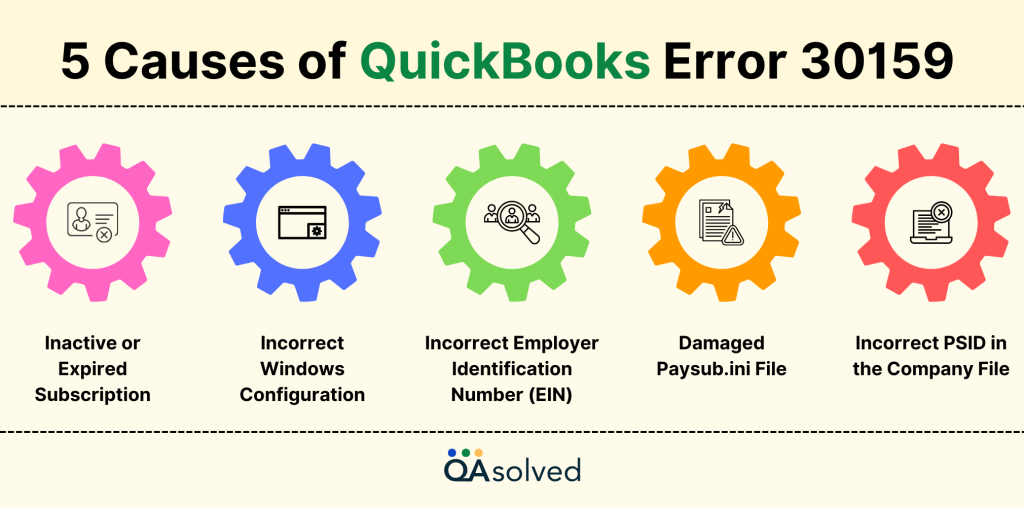
One of the reasons that users are often aware of is an inactive or expired payroll subscription. If your QuickBooks Payroll subscription is inactive or expired, it may prevent payroll services from functioning properly.
Misconfigured configuration can sometimes trigger errors like 30159 in QuickBooks. This may prevent QuickBooks from accessing necessary system resources, affecting the overall payroll processing.
Entering an incorrect EIN in your company file can cause payroll processing issues and trigger this error.
A corrupted or missing Paysub.ini file can disrupt QuickBooks Payroll activation, leading to error 30159.
The last major factor on our list is “Incorrect Payroll Service ID (PSID) or Service Key.” If the Payroll Service ID (PSID) or Service Key is incorrect, QuickBooks may fail to verify payroll subscription details.
So, these are the five major reasons behind QB payroll error 30159. Apart from these, incorrect QuickBooks installation and corrupted Windows System Files can cause this error.
Also Read: How to Manage QuickBooks Desktop Payroll Subscription?
As a user who uses QuickBooks on a regular basis, it is imperative to be aware of several signs in order to minimize the threat of errors like 30159. Below are the five key symptoms to watch out for.
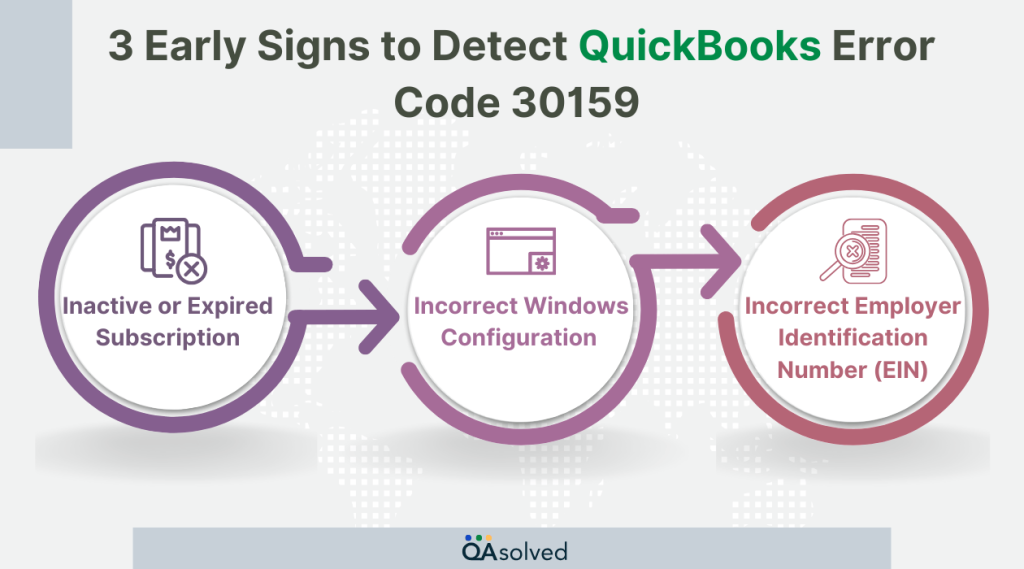
This is one of the most common signs that triggers QB error 30159. If your computer is responding slowly, freezing frequently, or taking longer than usual to process QuickBooks payroll tasks, then there are chances that you might got hit by error 30159.
Another sign to react early is “unexpected QuickBooks and System slowdown.” In this case, QuickBooks closes unexpectedly or keeps crashing while running the same payroll-related functions, causing data loss risks.
The most obvious sign is when the 30159 error message and code appear directly on the screen during QuickBooks operations.
So, these are the three most common early symptoms to address the possible threat of QuickBooks error 30159. If you’re with us till now, then we’re going to pay you back because now we’re going to help you with the best troubleshooting steps to eradicate QuickBooks error 30159.
Struggling with QuickBooks Error Code 30159?
Don’t let it disrupt your workflow- Reach out to QuickBooks experts for quick and effective support today!
Error 30159 in QuickBooks can occur because of several factors but with the right troubleshooting steps, you can resolve it effectively. Here are the nine best solutions:
In case of any virus or malware attack, you need to perform a proper error scanning procedure to eliminate QuickBooks error 30159. Here are the steps for the same:
Error 30159 in QuickBooks can sometimes arise due to misconfiguration of Windows files. To get rid of this, you need to clean up the disk effectively in Windows.
These steps will help clear unimportant and unnecessary files and free up system space for optimal performance.
This is yet another effective solution to get rid of QuickBooks error 30159. Corrupted Windows registration files can also cause this error, and here are the steps to make the best use of Windows File Checker.
An outdated operating system or Windows can also cause error 30159 in QuickBooks. This is why you should always keep your windows updated to minimize the scope of such technical errors:
QuickBooks error 30159 can get triggered if the EIN status is inactive. Hence, adding EIN to the company file can resolve this error effectively.
Restoring your system to an earlier point can also help you eradicate QuickBooks error 30159. Here are the steps:
Here are the steps to edit and re-enter the payroll service key and eliminate QuickBooks error 30159 once and for all.
An outdated QuickBooks can trigger Error 30159, so updating to the latest release is essential. Follow these steps to ensure QuickBooks Desktop is up to date.
Last but not least is “edit the Paysub.ini File Name in QuickBooks.” The Paysub.ini file stores payroll subscription details in QuickBooks. If this file is damaged, it can cause Error 30159 when initializing payroll. To fix this, rename the file using the steps below. Here are the steps:
So, these are the nine most effective solutions and steps to troubleshoot QuickBooks error 30159. There is no doubt that these solutions can help a user bring QuickBooks to its normal and optimal functionality, but at the same time, these solutions and steps can take a lot of time for someone who is not an expert in troubleshooting such major errors. That is why we are here! Our Certified and seasoned ProAdvisors can troubleshoot this error in no time so that you can focus on the other verticals of the business.
QuickBooks Payroll Error 30159 occurs due to issues with payroll subscription, incorrect EIN, damaged files, or misconfigured system settings, preventing payroll processing.
You can fix this error by updating QuickBooks, verifying your payroll subscription, correcting your EIN and PSID, restoring your system, clean-up the disk, scanning and eliminating errors and repairing system files.
Yes, a corrupt Paysub.ini file can disrupt payroll activation. Renaming or recreating this file can help resolve the issue.
If you’re unable to fix the issue, QAsolved provides expert QuickBooks support to diagnose and resolve Payroll Error 30159 efficiently.
About the author
Have a QuickBooks® question? Our ProAdvisors can help. QAsolved is not affiliated with Intuit.